Set up your shop
Create an Ecbot account and workspace, build your first agent with the agent builder, and test it before any customer sees it.
To start with Ecbot, create an account, make a workspace for your shop, and build an agent with the agent builder. The whole flow takes about 15 minutes, and you can test the agent in a private chat before connecting it to Messenger, Zalo, Telegram, WhatsApp or your website.
Create your account
Sign up with your email and a password, then enter the 6-digit code we email you.
Create a workspace
Give the workspace your shop's name. Each shop or client gets its own workspace, with its own agents, documents and team.
Build your first agent
Open Agents in the sidebar and create a new agent. The agent builder opens:
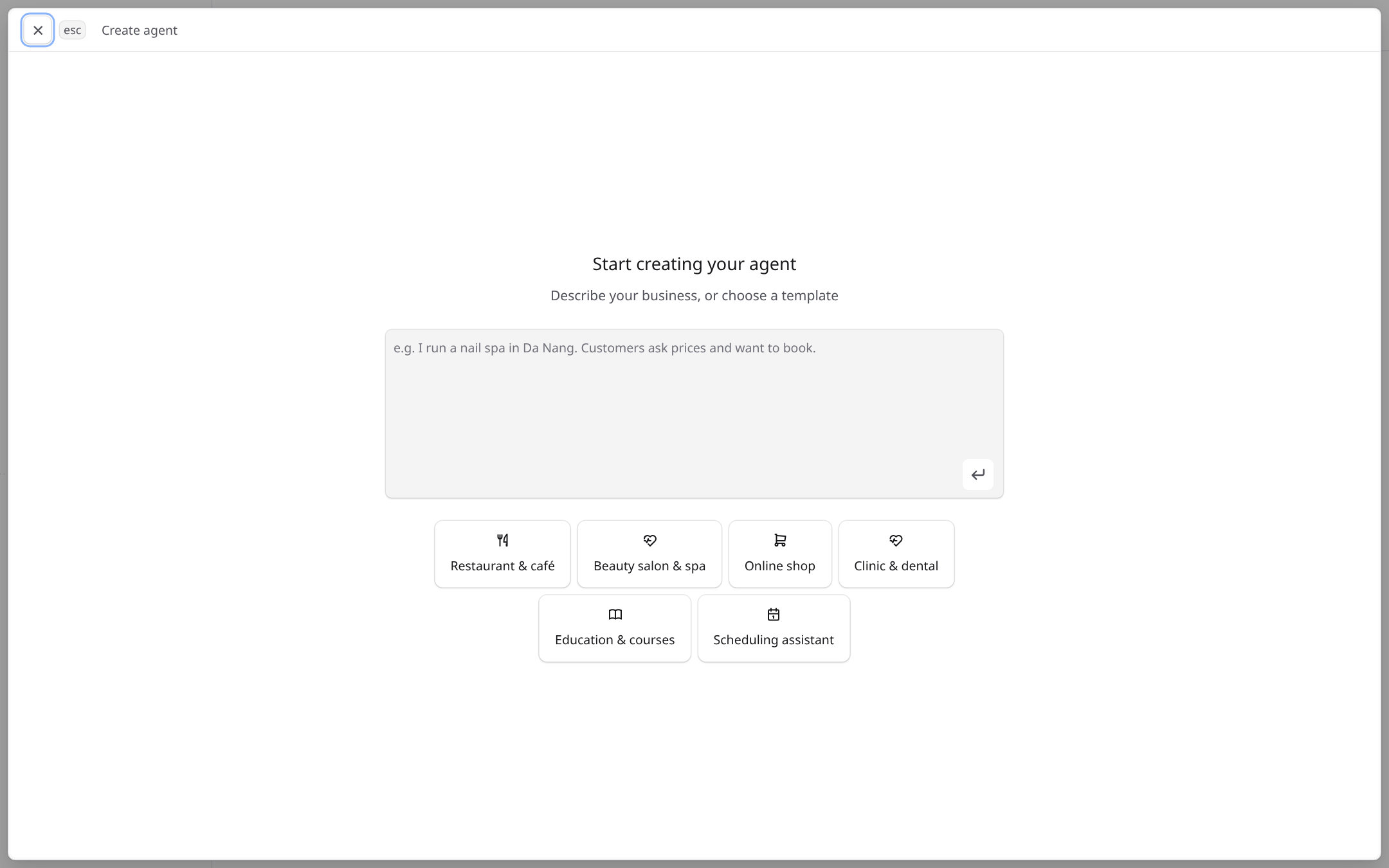
- 1Describe your business in a sentence or two. The builder fills in the answers it can.
- 2Or start from a template for your type of business.
See Agent builder for what each question means.
Add what the agent should know
Add your price list, policies and FAQ to the knowledge base and link them to the agent.
Test, then connect a channel
Ask the test chat the questions your customers ask most. When the answers look right, connect a channel.
Frequently asked questions
Most shops finish the first agent in 15 to 20 minutes. The agent builder asks one question at a time and fills in what it can from your description.
Yes. Every agent has a test chat on its page. Messages you send there do not reach any channel, so you can try prices, policies and tricky questions safely.
Yes. Invite them from the workspace settings under Team. Each person signs in with their own account.
Introduction
Ecbot is one AI agent that answers your customers on Messenger, Zalo, Telegram, WhatsApp and your website, using your own documents and tools.
Installation
Run Ecbot on your own machine or server. Install the tools, fill the env files with one command, start the Docker services and run the apps.