Usage
The Usage page shows how much of your plan's AI quota your agents used, broken down by day, agent and channel, with alerts before you run out.
The Usage page shows how much AI your agents used in the current plan period and where it went. Every reply your agents write uses AI tokens, and your plan includes a quota that renews each period. Check this page to see which agent or channel uses the most, and set an alert so you hear about it before the quota runs out.
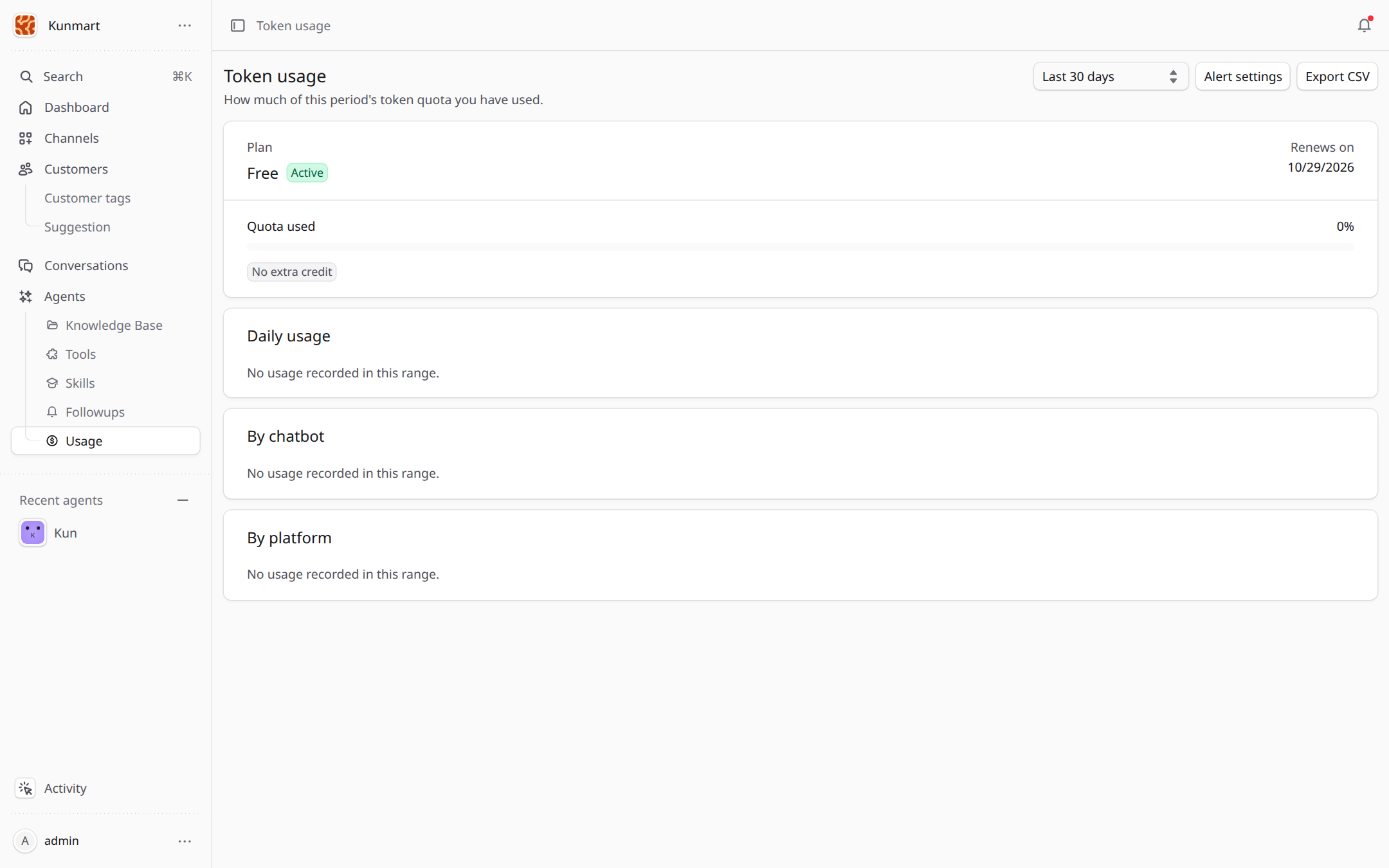
- 1Pick the date range: the last 7, 30 or 90 days, or all time.
- 2Your plan, its status, the renewal date and how much of the quota is used.
- 3Usage per day, per agent and per channel.
- 4Alert settings sends you a warning when the remaining quota drops below the level you choose.
Use Export CSV to download the numbers for the selected range.
When the quota runs out
Agents keep answering, but with their fallback message instead of an AI reply, until the quota renews or extra credit is added. Set the fallback message in the agent's Behavior settings (see Agents) so customers know someone will get back to them.
Frequently asked questions
Agents stop generating replies and send their fallback message instead, until the quota renews or extra credit is added.
AI tokens used for replies on channels, follow-ups, the website widget and the test chat all count toward the quota.
No. Usage metering and plans are part of the hosted Ecbot at ecbot.dev. A self-hosted install does not limit or record AI usage.
Follow-ups
Follow-ups let your agent message a customer again later, such as a reminder to pay or a check-in after delivery, on the same channel.
Channels
Connect your agent to Facebook Messenger, Zalo, Telegram, WhatsApp or a chat widget on your website so it replies where customers already message you.